Here’s your WordPress-formatted content for a page or post. You can paste this directly into the WordPress Block Editor (Gutenberg), and it will retain the structure and images if you upload them to the media library and insert where noted.
🧾 Title: How to Delete Your Account on BuddyBoss
How to Delete Your Account on BuddyBoss
If you no longer wish to use your account, you can easily delete it either from the website or the mobile app. Follow the instructions below:
🔴 Delete from the Website
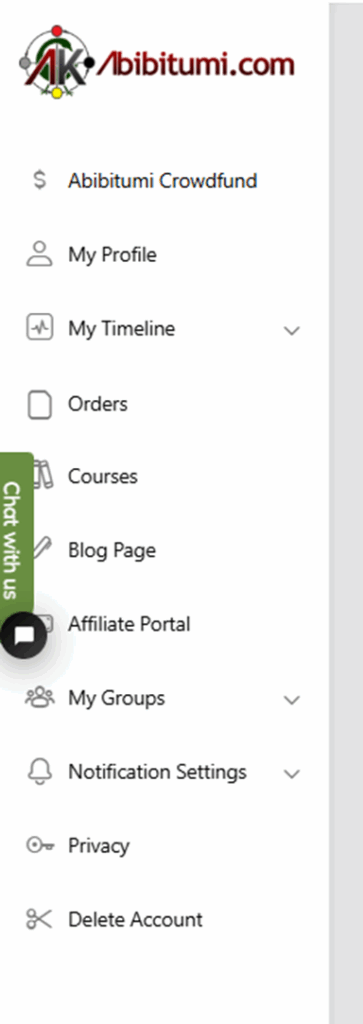
- Go to the homepage of the site.
- Scroll down and click “Delete Account”.
⚫ Delete from the Mobile App
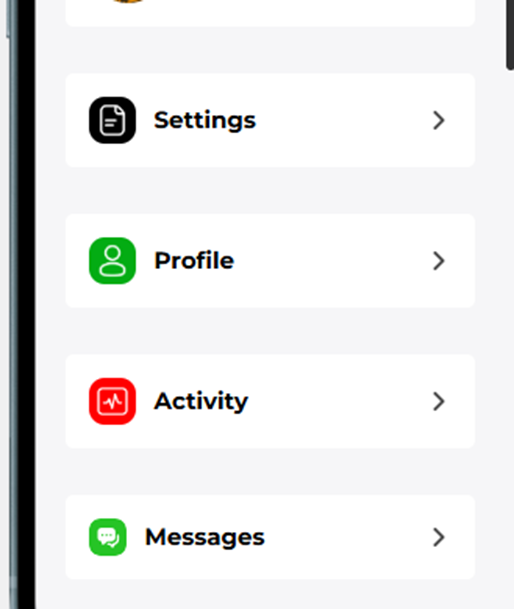
- Tap the More Menu (☰).
- Navigate to Settings.
- Scroll down and tap “Delete Account”.
⚠️ Note: Deleting your account is permanent and cannot be undone.
If you need help or changed your mind, please contact support@abibitumi.com