Description
Adinkra font for PC Installing Adinkra font in your PC (Windows 95/98/2000/XP/Vista/Windows 7).

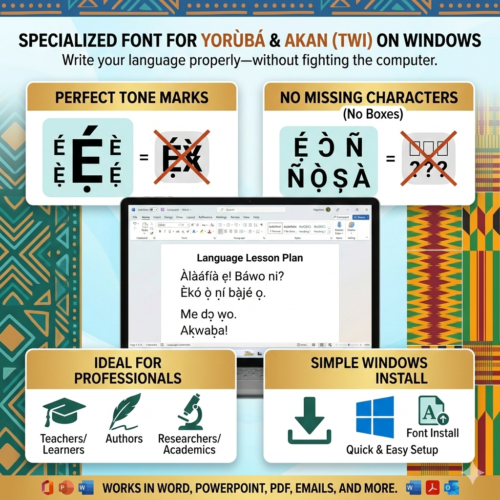
Adinkra font for PC Installing Adinkra font in your PC (Windows 95/98/2000/XP/Vista/Windows 7). 1. Download Adinkra font into your desktop. 2. Go to the Control Panel by clicking on Start in the lower left corner, select Settings, and then select Control Panel. 3. Double-click on Fonts. Inside are all the fonts currently installed on your computer. Drag the Adinkra font file into the folder to install it.
984 in stock
Adinkra font for PC Installing Adinkra font in your PC (Windows 95/98/2000/XP/Vista/Windows 7).
| Downloads | MP3 file [music and songs only], PDF file, PDF/MP3 combo, PowerPoint Zip, SUIT file, TTF file, XLS file, ZIP file |
|---|
You must be logged in to post a review.
This site uses Akismet to reduce spam. Learn how your comment data is processed.
There was a problem reporting this post.
Please confirm you want to block this member.
You will no longer be able to:
Please note: This action will also remove this member from your connections and send a report to the site admin. Please allow a few minutes for this process to complete.
Your cart is currently empty!
Notifications
Reviews
There are no reviews yet.